The ei23 DIY Smart Home
This project is a dead-easy, clean and slim installation and maintenance tool for a huge amount of mostly Docker-based home automation and media software, easily accessible on a clean, slim and customizable web dashboard. Made for Debian and Raspberry OS, working on most architectures. Maybe it's not as easy to configure as the Home Assistant OS, for example, but you get a lot more customization options and get in touch with the docker-compose.yml notation, which is also a great tool. And you don't even have to use Home Assistant if you prefer OpenHAB or IObroker for example. All on one system.
IMPORTANT SECURITY NOTICE
This script was developed for trusted environments where the user fully understands the security implications. It is NOT suitable for use in production or publicly accessible environments without additional security measures.
Critical by design: SSH root login enabled, sudo without password. These are intentional decisions for ease of use in isolated lab networks. You must harden the system if exposed to untrusted networks. See security audit for details and hardening instructions.

Introduction
In 2017, I planned to install a self-built smart home system that would control some retrofit devices. There were various options to choose from, and I was unsure about which program was right for me. It was also clear that I would be running a computer 24/7, in this case a Raspberry Pi. It would have been a shame if only a single application ran on it. At that time, I had already conducted some experiments with NodeRED and appreciated the advantages of the Raspberry Pi's GPIOs.
You can watch a video about my journey back then 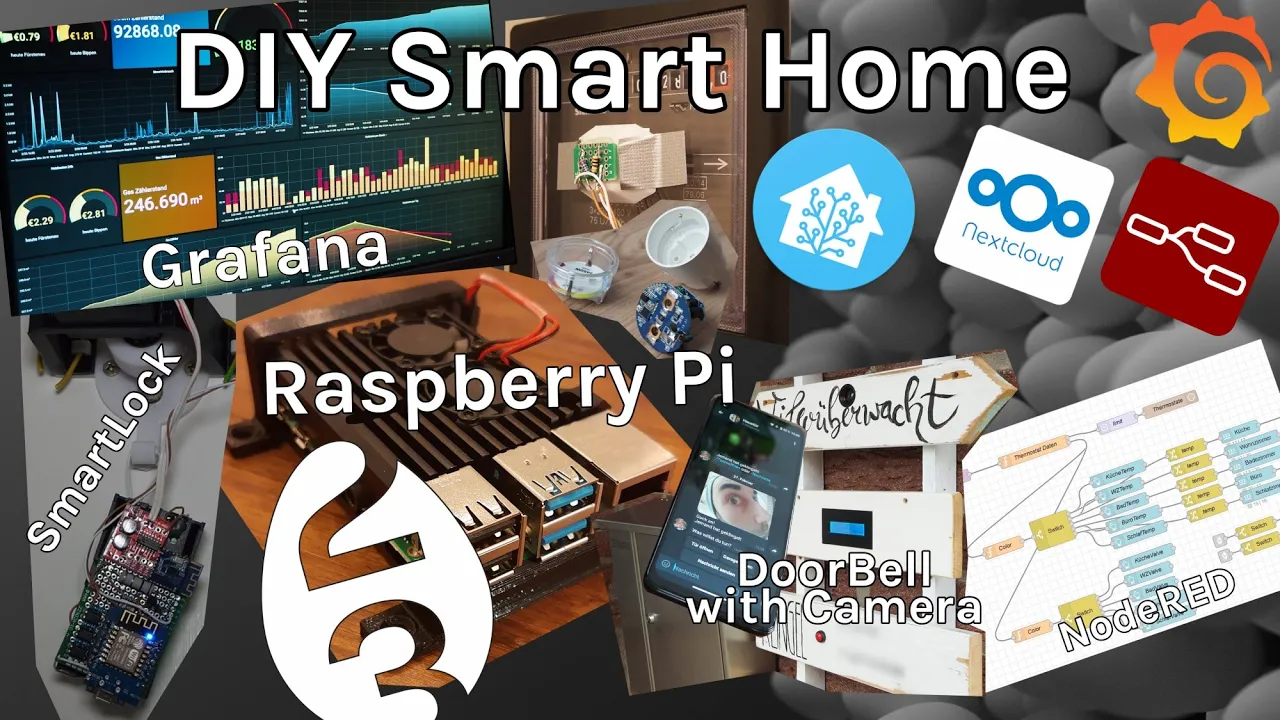
Although I liked the Home Assistant OS overall, using it meant giving up the flexibility of a conventional Linux system. Therefore, I created a compromise: My installation script takes care of installing and configuring all necessary programs and settings. When possible, all programs run in Docker containers. This significantly simplifies system maintenance and experiments while providing more convenience.
So, the script originated from the need to offer more flexibility, customization options, and programs than the Home Assistant operating system. For those who want to expand their system without running another server/Raspberry Pi or virtual machines in parallel, this script provides a solution. First, necessary and useful programs and frameworks like Docker, Python, etc., are installed on the raw Raspbian OS or Debian. Then, NodeRED is installed in its native form, not as a Docker container. This offers additional features and easier configuration without cumbersome workarounds. Additionally, Log2Ram (to reduce SD card write operations), RTL_SDR software (for example, for 433MHz sensors), and rpiClone (for easy backups) can be installed directly. The script currently automates the installation of those programs and also includes some addons (custom extensions are, of course, possible).
System requirements
Originally, the system was only available for the Raspberry Pi (armv7 / 32-bit). In the meantime, however, I recommend using a 64-bit system (arm64). The script is also functional on Debian 12 (tested) and AMD64 architectures. (Docker images may not be available for all system architectures)
If you only plan to run home automation software like Home Assistant Docker, NodeRED and a password manager like Vaultwarden / Bitwarden, a Raspberry Pi 4 with 2GB is already sufficient. If you also want to run compute-intensive software like a media center or photo cloud apps like Immich or Nextcloud, consider using a low-end thin client with an Intel i5 and 8GB RAM or similar.
SSD storage may works best for you. Always backup important data.
Installation
Easy installation:
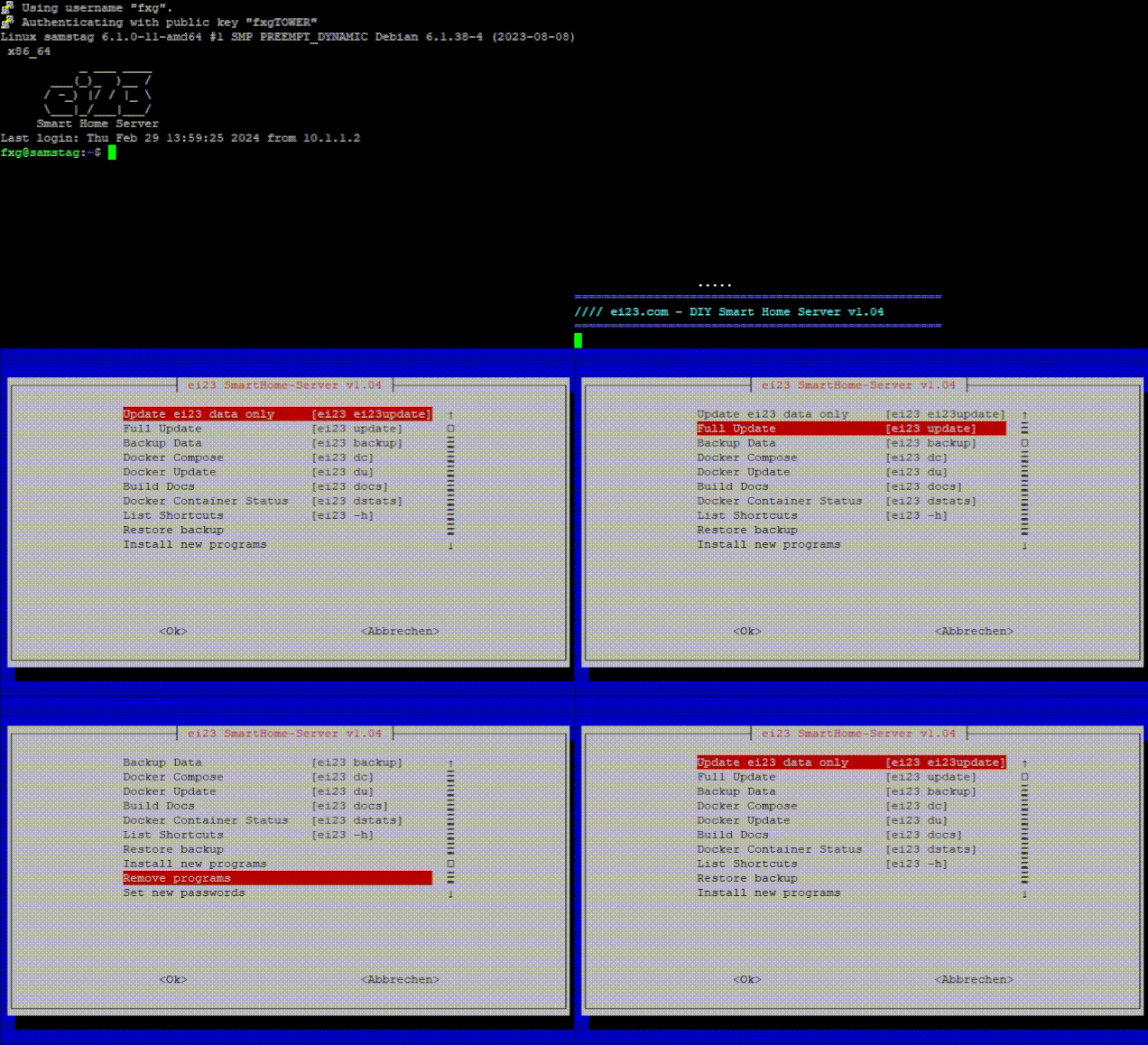
The easy-installation is self-explanatory. After registering for the newsletter (ENGLISH NEWSLETTER / GERMAN NEWSLETTER), you will receive two command lines, which you must execute via the input console or over SSH. The first line downloads the script (bash script) and the second line executes it.
C'mon! Why newsletter? 1. I can inform you quickly about security vulnerabilities and interesting new features 2. Community building gets easier 3. Some advertising for my work and the project itself is possible 4. And I can secretly inject malicious code on your script and create a botnet from a large number of servers... NOT! - seriously! I won't do that, or do you think i would? I'm confused... Why should i do that, should I do it? Now you're confused? Just don't make trouble! Ok back to topic xD
The files are identical to ones you see here with the exception of a unique USERID for downloading files from my server and automatically set LANGFILE dependent on which newsletter you choose. Also I won't bother you unnecessarily, if you think you can use a trash mail.
Manual installation:
- Clone the files to a folder.
- Insert the language file of your choice (de-file.txt / en-file.txt) into ei23.sh and replace "LANGFILE_PLACEHOLDER"
- Install a fresh Debian / Raspberry Pi OS system, login via ssh or terminal and create a user like this "useradd -m ei23" (or another name)
- Copy the entire "ei23-docker" folder into your users home directory (with root privileges)
- Copy the ei23.sh into your user home directory
- Run "bash ei23.sh part1"
- Follow instructions
-
After you done the reboot, run "ei23", the script then will finish the installation
-
ei23 updates won't work with manual installation (USERID from newsletter is needed)
- You won't see a version number and will not get info about new versions (USERID from newsletter is needed)
- Everything else works like normal
Reporting issues
Please use the issues tab to report issues or make suggestions for new features or containers. Or reach out to the Community (see below)
Contribution
Thanks for asking! If you want, you can pull requests on GitHub!
🏠 Everything Can Be Automated
What's actually possible with a smart home? Here are some examples:
- 🚗 Garage door opens when your car approaches
- 🔔 Doorbell rings your phones and optionally unlocks the front door
- 📬 Notification with image to your phone when mail arrives
- 👕 Notification when the washing machine is done (via power consumption monitoring)
- 🕐 Lights synced with your phone alarm
- ☀️ Brightness adjusted to your solar panel output
- 👤 Lights controlled by presence detection
- 📹 Cameras used as motion detectors
- ⚡ Warning light when power consumption is too high (using even more power 😄)
Yes, even the most ridiculous idea is possible. Or as I like to joke – the modern model railroad in the basement.
Is All This Necessary?
Absolutely not. Only if it actually saves energy or time – and therefore money.
Don't become a feature-creep. Keeping things simple is an art. If something constantly causes problems, you'll lose the fun. But if you're willing to invest a bit of time and learn a few new things, endlessly much is possible.
And you become smart and independent. That is very valuable.
🔓 Why This All Matters
This isn't just about cool gadgets. It's about preventing a scenario.
Look at what's happening right now: Smart speakers, smart thermostats, smart cameras – everything runs through the cloud, controlled by a few big corporations. Amazon, Google, Apple. They have the control, they get the data, they have the power. We're becoming more and more dependent on them.
This is the path to a cyberpunk scenario. Megacorps determining the infrastructure of your daily life. Features that simply disappear. Prices that go up. Data you don't control. Services that get shut down overnight.
We can only prevent this if as many people as possible become smart and independent. With your own hardware. With open source software. Without monthly fees. Without cloud dependency. Without big tech.
Your home belongs to you. Your data belongs to you. Your automations belong to you.
That's what ei23 stands for.
Great Open Source Projects
I love open source projects - here is my best of list Consider supporting them!
Community




Donations

Have fun, get smart and independent – and don't let them take away your control! 🏠🔓